At home in Maldivian hospitality

Your stay, in your hands.

You’re already on the chart. Claim your listing and bring your rates, bookings and daily operations together.

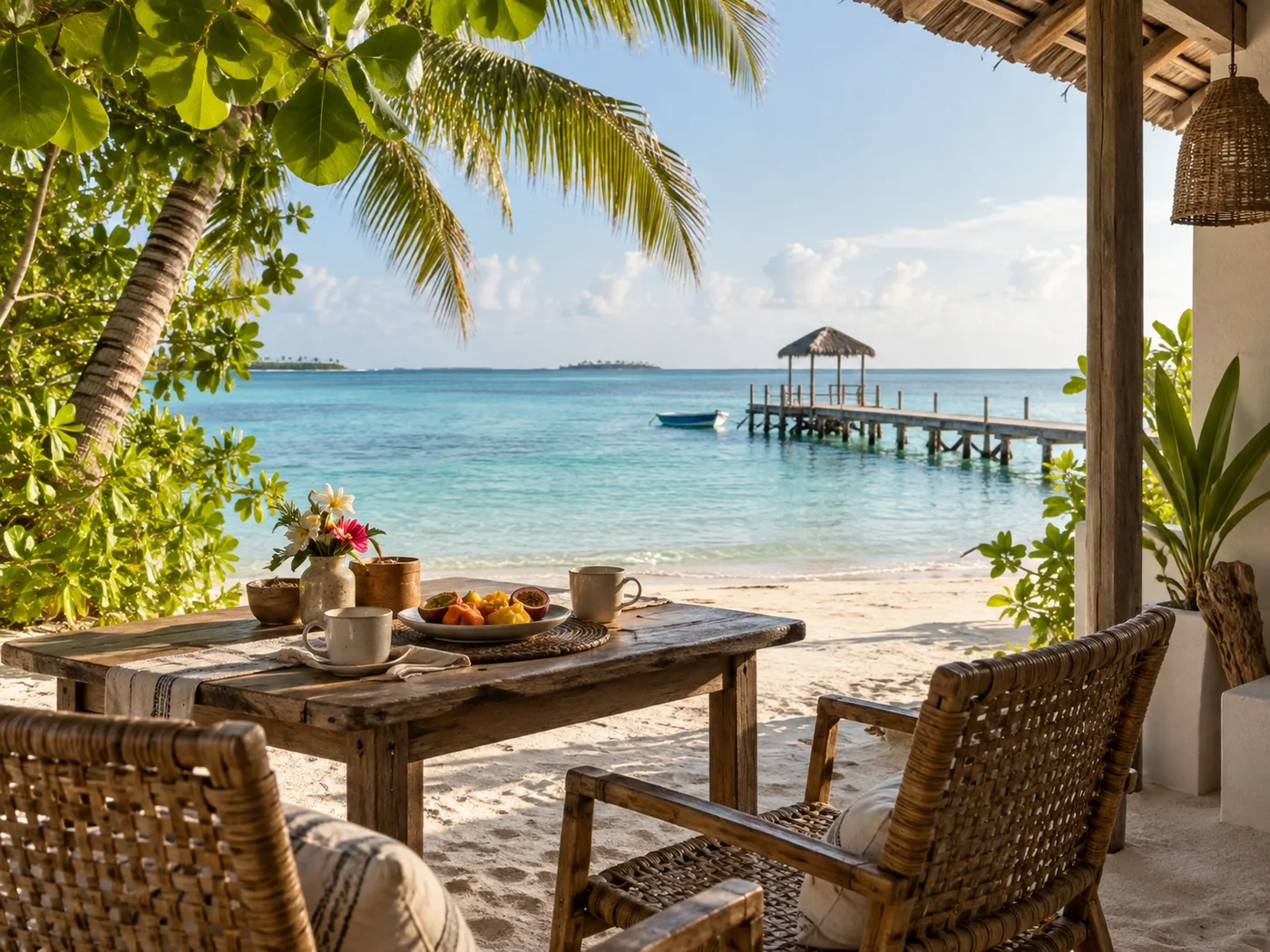
A shaded guesthouse veranda overlooking a Maldivian lagoon and jetty

One page for the guest.
One desk for you.

From the first booking to the last boat home, the tools follow the way you run your stay.

The listing, kept by you

Your photographs. Your rooms. Your welcome. Keep the details guests rely on up to date, from house rules to check-in times.

Free to claim and update
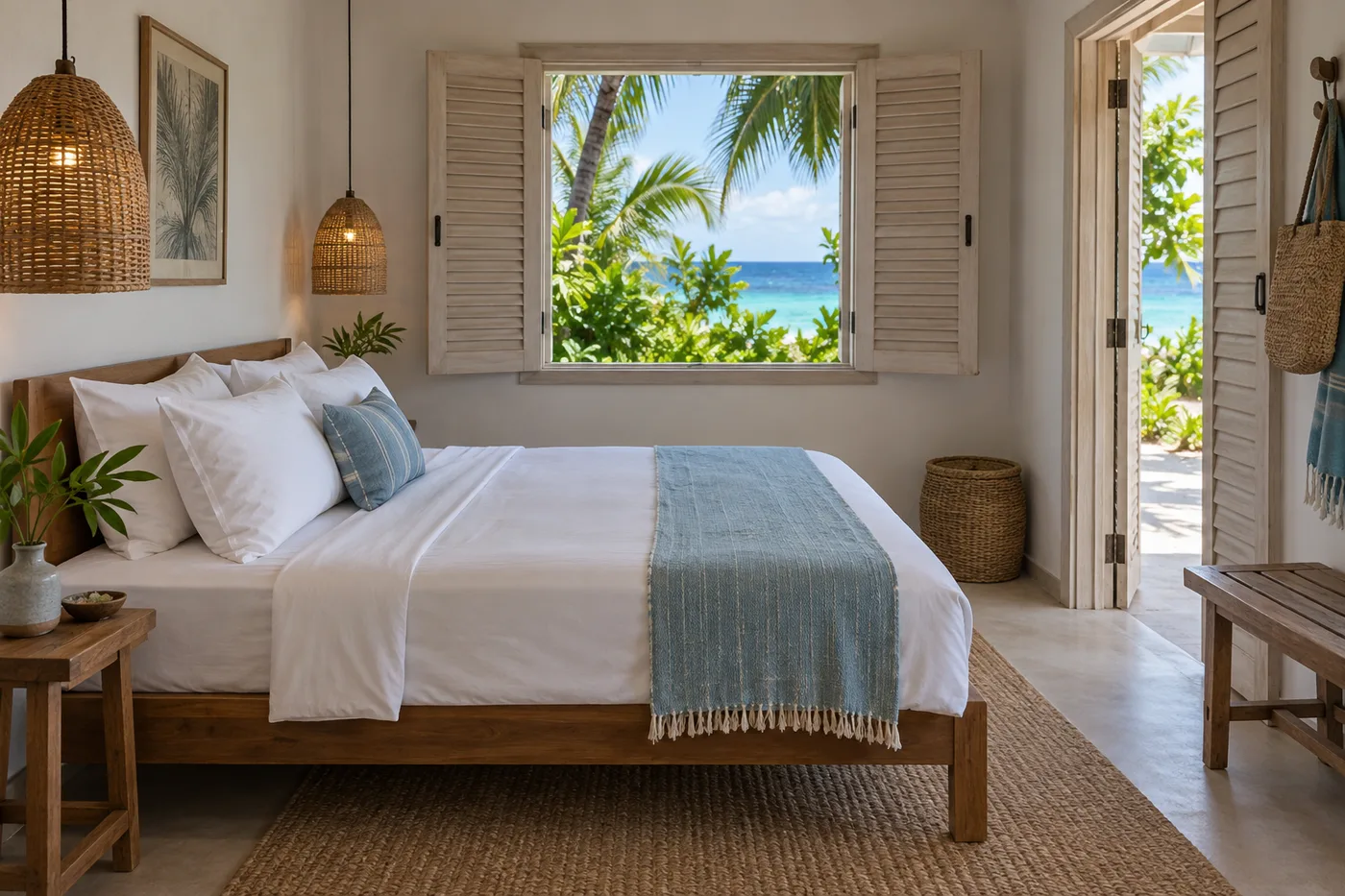
A bright guesthouse bedroom with timber furniture and open shutters

Calendar and rates

Room categories, seasonal rules and rate plans, all on one calendar. Publish your rates where guests find your stay.

Front desk and bookings

Keep direct requests, walk-ins and channel bookings together. Follow each stay from arrival to checkout, with a folio for every guest.
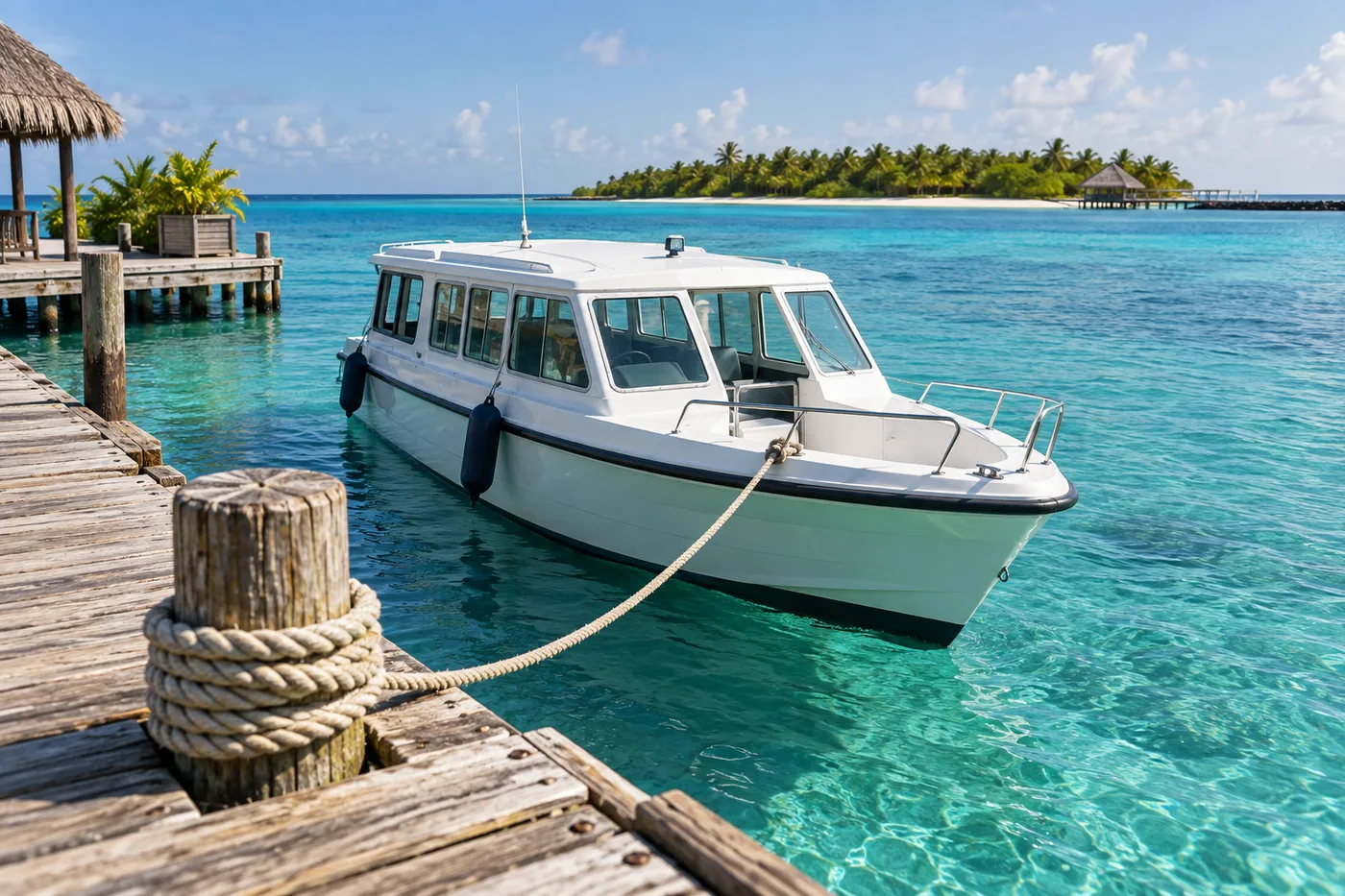
A passenger speedboat moored alongside a wooden island jetty

Transfers and manifests

Flights, boats and pickup times on one sheet. Give the jetty crew the guest list they need.

Green Tax and TGST

Keep tax calculations alongside each stay, with monthly figures ready to review for your MIRA return.

Beyond the room

Offer excursions, give your team their own sign-ins, and see how travellers find your page.

A place for every kind of stay.

Two rooms on a local island or a boat with no fixed address. If you welcome guests, you belong here.

  • Guesthouses
  • Resorts
  • Liveaboards
  • Hotels
  • Homestays

Owners and managers can claim a listing. Liveaboards get departures and berths in place of a room calendar.

Make it yours

Already on the chart.
Ready when you are.

What you’ll need

An account with your email and password

Your property’s listing on the chart

Access to the property’s registry email

  1. Create an account

    Start with your email and a password. Already have an account? You can sign straight in.

    Create an account
  2. Find your listing

    Search by property name, island or atoll, just as a guest would.

    Explore the chart
  3. Claim it and settle in

    Verify your claim through the property’s registry email. Then set up your listing and dashboard at your own pace.

A few things you might be wondering.

Does it cost anything to use Maldivesfounder?
No. Everything is free, including your listing and all operations tools. Claim your property, add photographs, publish rates, and manage bookings, transfers, tax returns, excursions and your team at no cost. There are no paid plans or subscription fees.
My property is not on the map.
Liveaboards appear as listings in Explore, without map pins. For other stays, check the listing name and island first. The chart is refreshed regularly, so a stay that opened recently may take a little while to appear. If you think it should be there and it is not, search the chart by island first; a listing under an older trading name is the usual cause.
Does this replace my channel manager?
Not yet, and we will not pretend otherwise. Bookings from Booking.com, Airbnb and the rest can be kept here beside your direct ones, but availability does not flow back out to them. Two-way sync is planned. Until then, your channel manager stays the calendar of record.
I run a liveaboard, not an island.
Liveaboards are listed on the platform. Select Liveaboards in Explore to browse them in a full-width listing view without a chart. Your dashboard supports departures, berths, agent bookings, guest manifests and dive profiles.
We run more than one property.
Each listing is claimed on its own, and every one you hold appears in the same dashboard, with its own calendar, desk and returns.
Can my staff use it without my password?
Yes. Once a property is claimed, its Team page lets you add people by email with their own sign-in, and remove them when they move on.

You run the stay.
Make the page yours.

Claim your listing. Tell your story. Welcome your next guest.